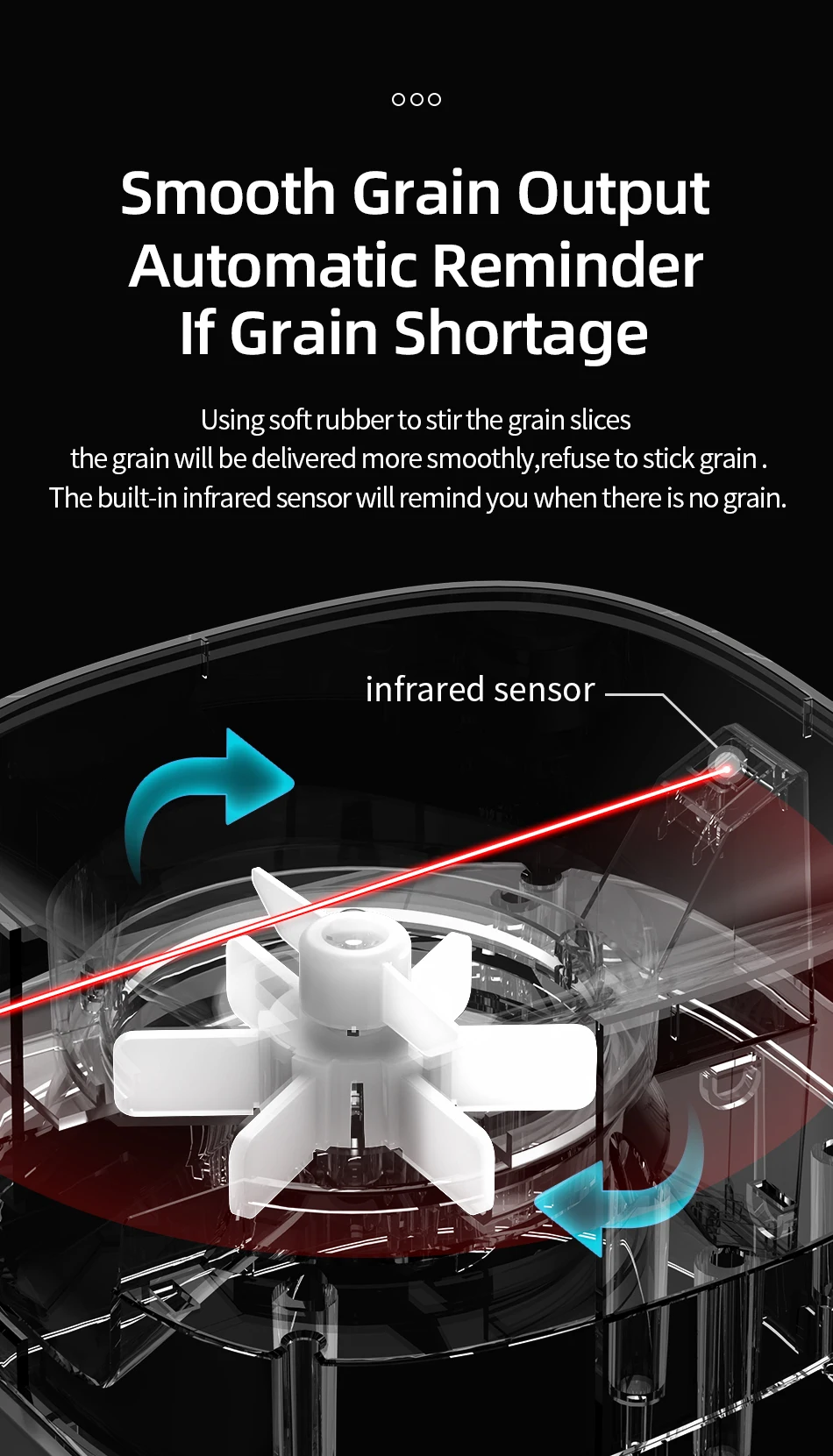
Note: If the feeder detects an abnormal food shortage, update the system and reset the sensor as shown in this video. Alternatively, contact the brand's official customer service for relevant instructional videos.
Helpful Tips:
- For any issues, please CONTACT US first. We will assist you and ensure you don't suffer any losses. Thank you.
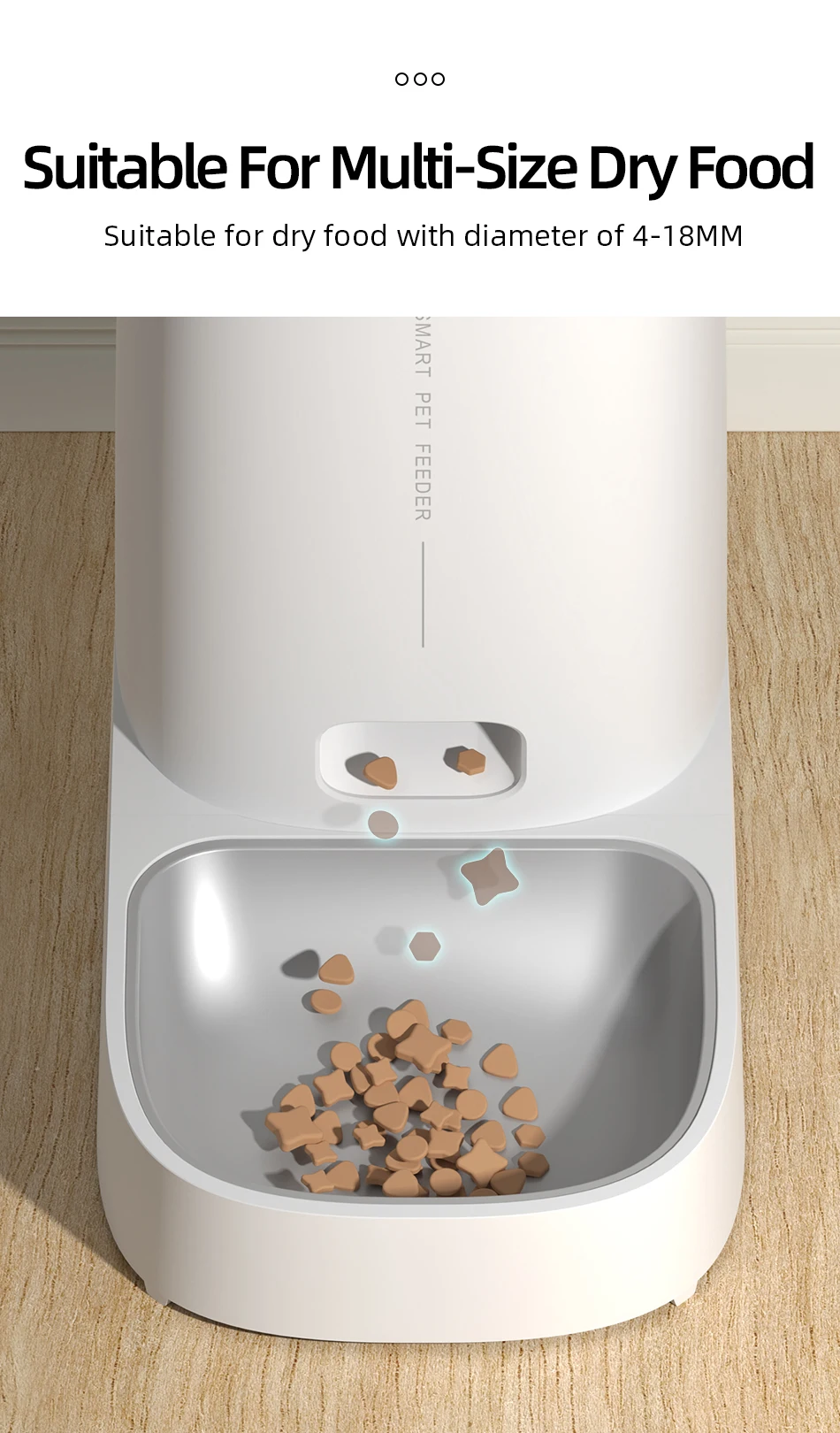
- Pet food should preferably be dry food with a diameter of 4-12 mm.
- The mobile phone must be connected to a 2.4 GHz Wi-Fi network. If your Wi-Fi network is 5 GHz, please switch to 2.4 GHz.
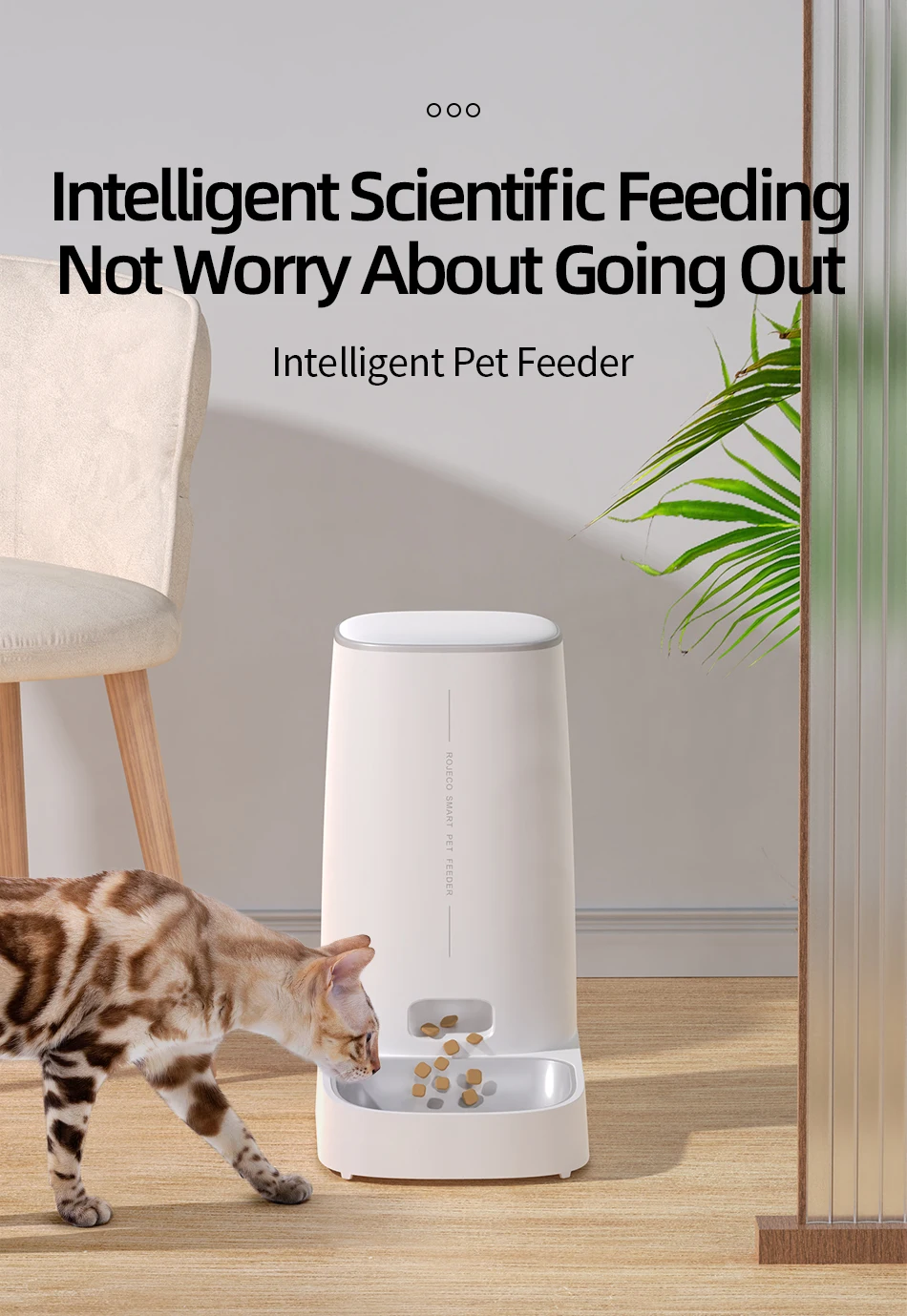
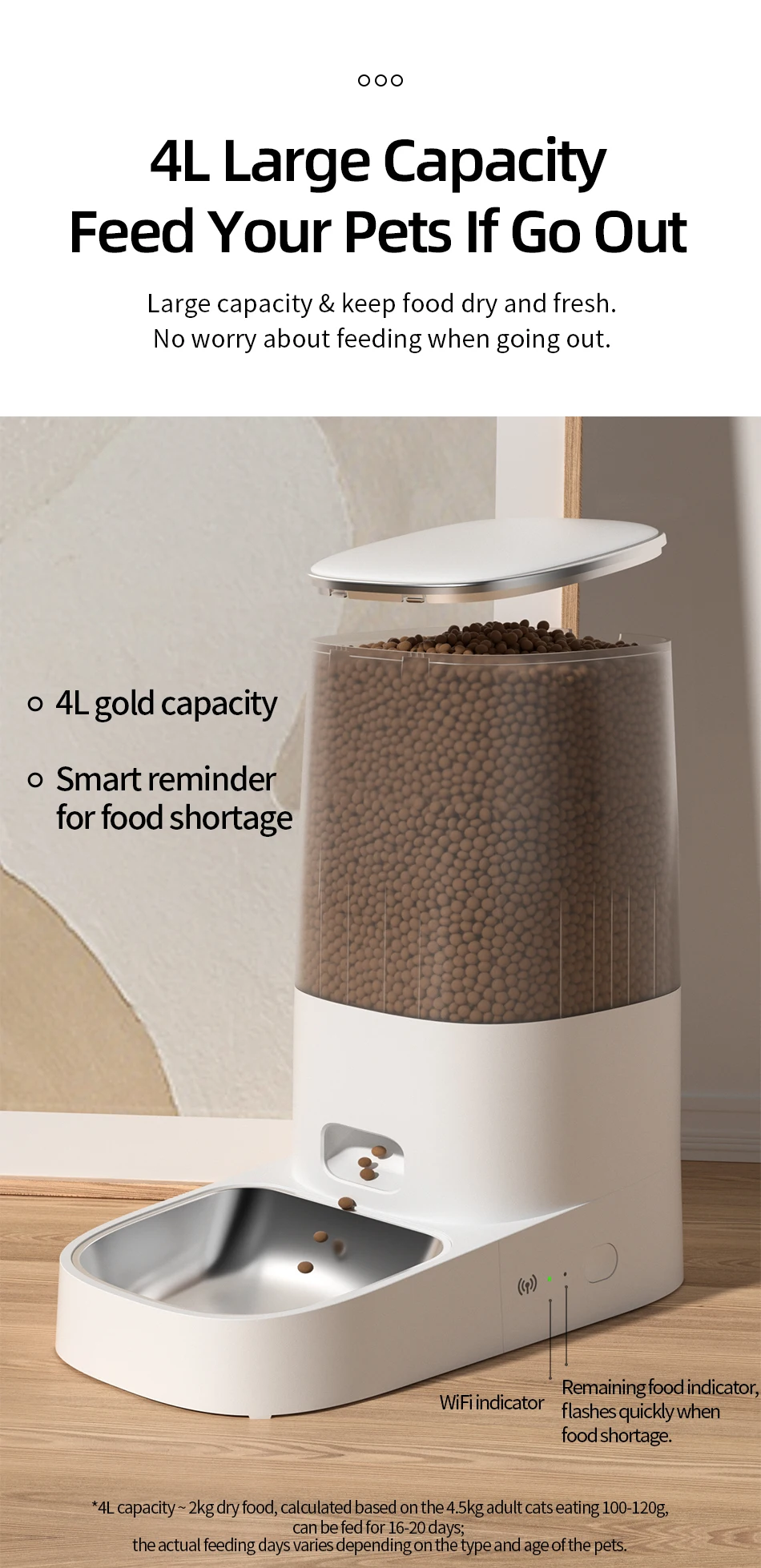
Imagine a house with pets and no one home. The pets would go hungry or rummage through the food. However, with our 4-liter automatic feeder, you won't have to worry about this. It will take good care of your pet and encourage a healthy diet and good eating habits. Our 4-liter automatic cat feeder can feed your pet for approximately 2-3 weeks, ideal for small and medium-sized pets. You'll no longer have to worry about getting up early, working overtime, traveling, or running out of food.
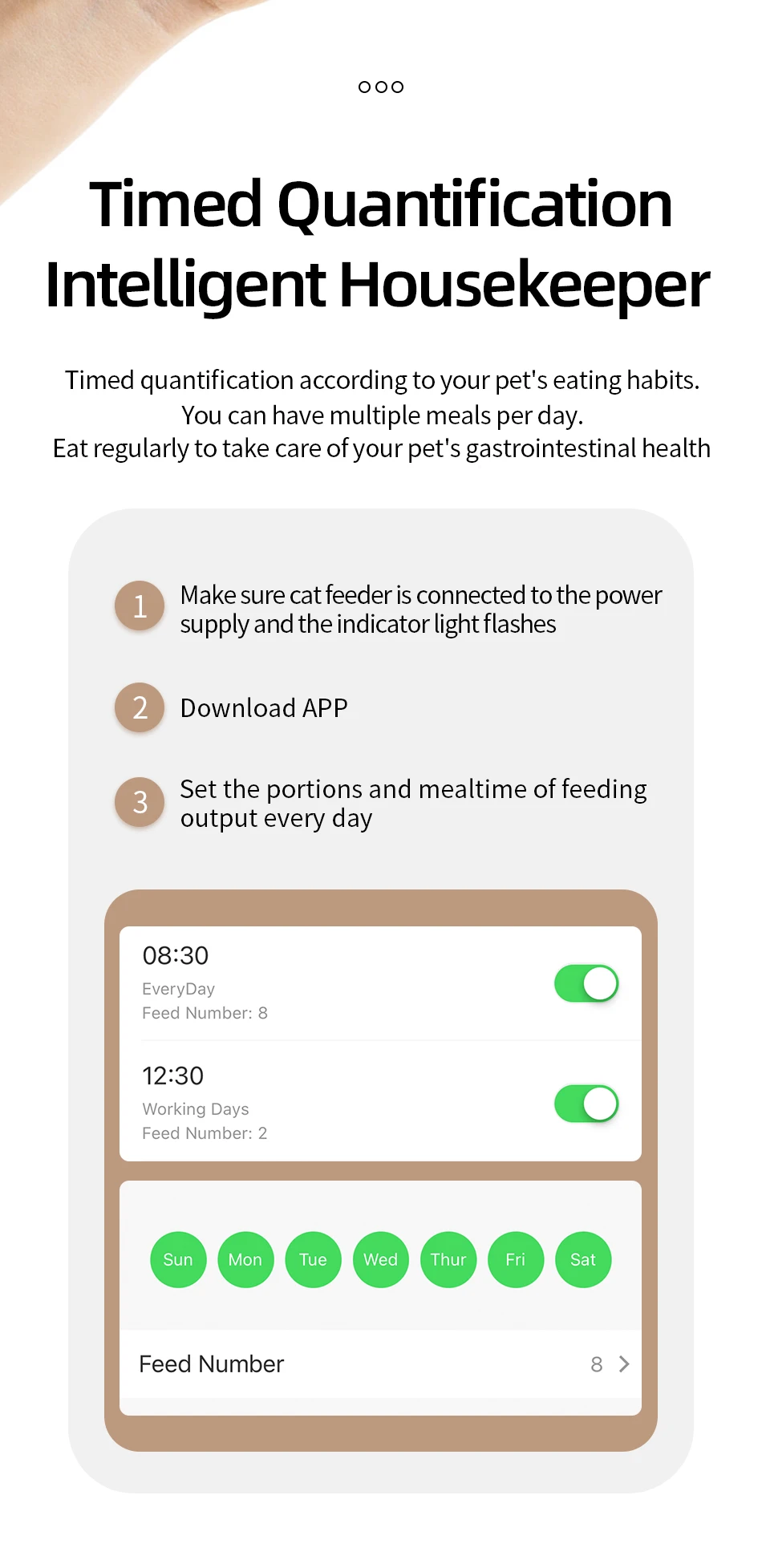
WiFi version: Allows you to set up to 10 meals per day, up to 60 portions per meal, at 6 ± 2 g per portion. Simply set the number of meals and portion sizes; the feeder will automatically feed your pet, eliminating the need to get up early, even while you're traveling, shopping, or at work. To prolong the feeder's lifespan and prevent food from clogging, we recommend using dry food with a diameter of 4 to 12 mm.
Features:
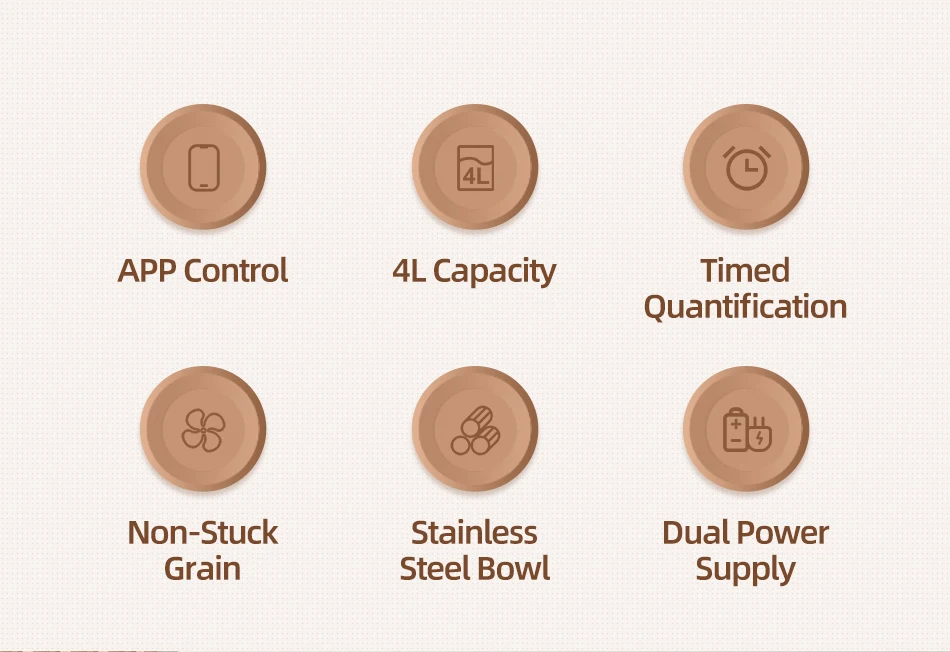
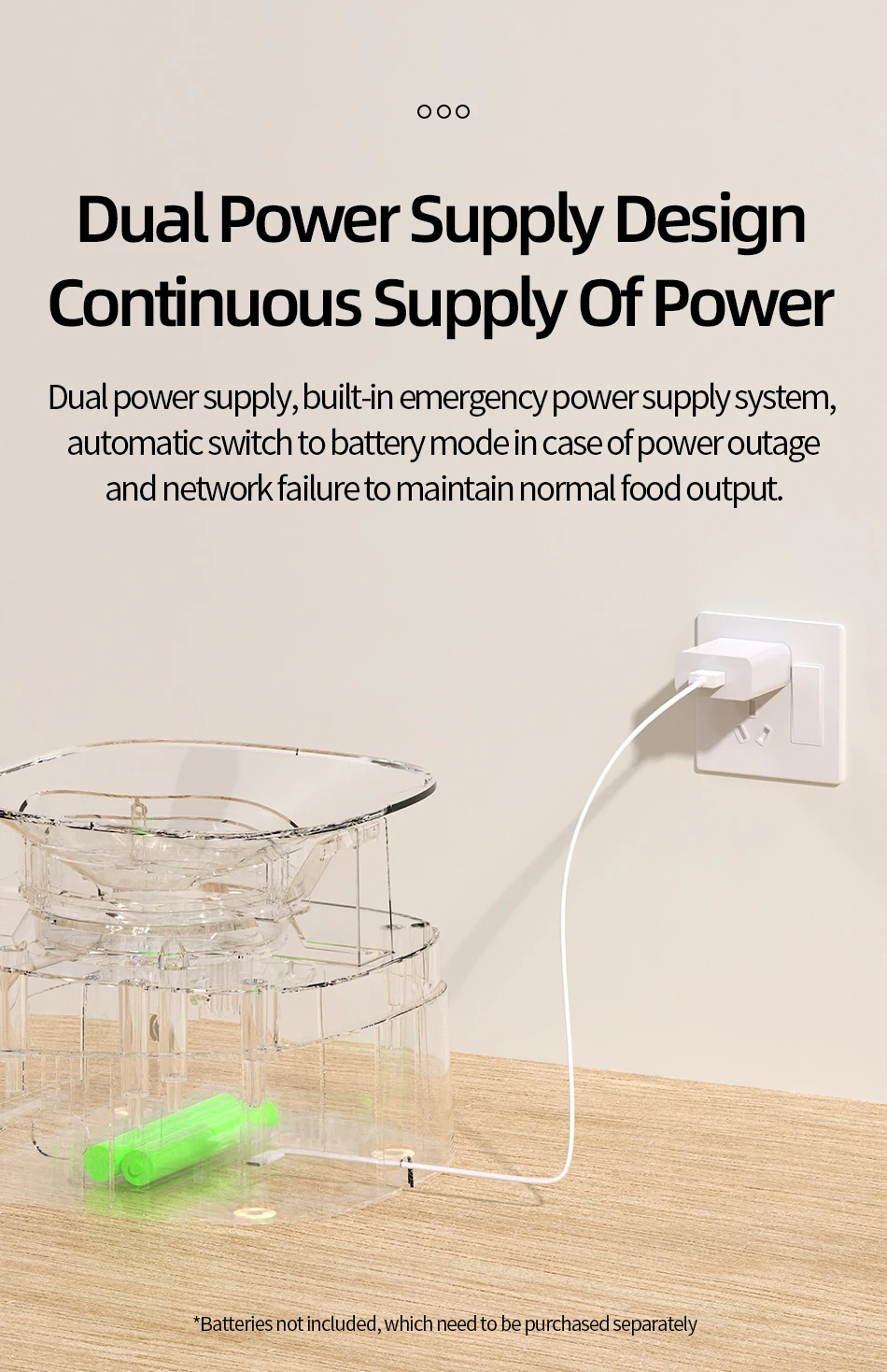
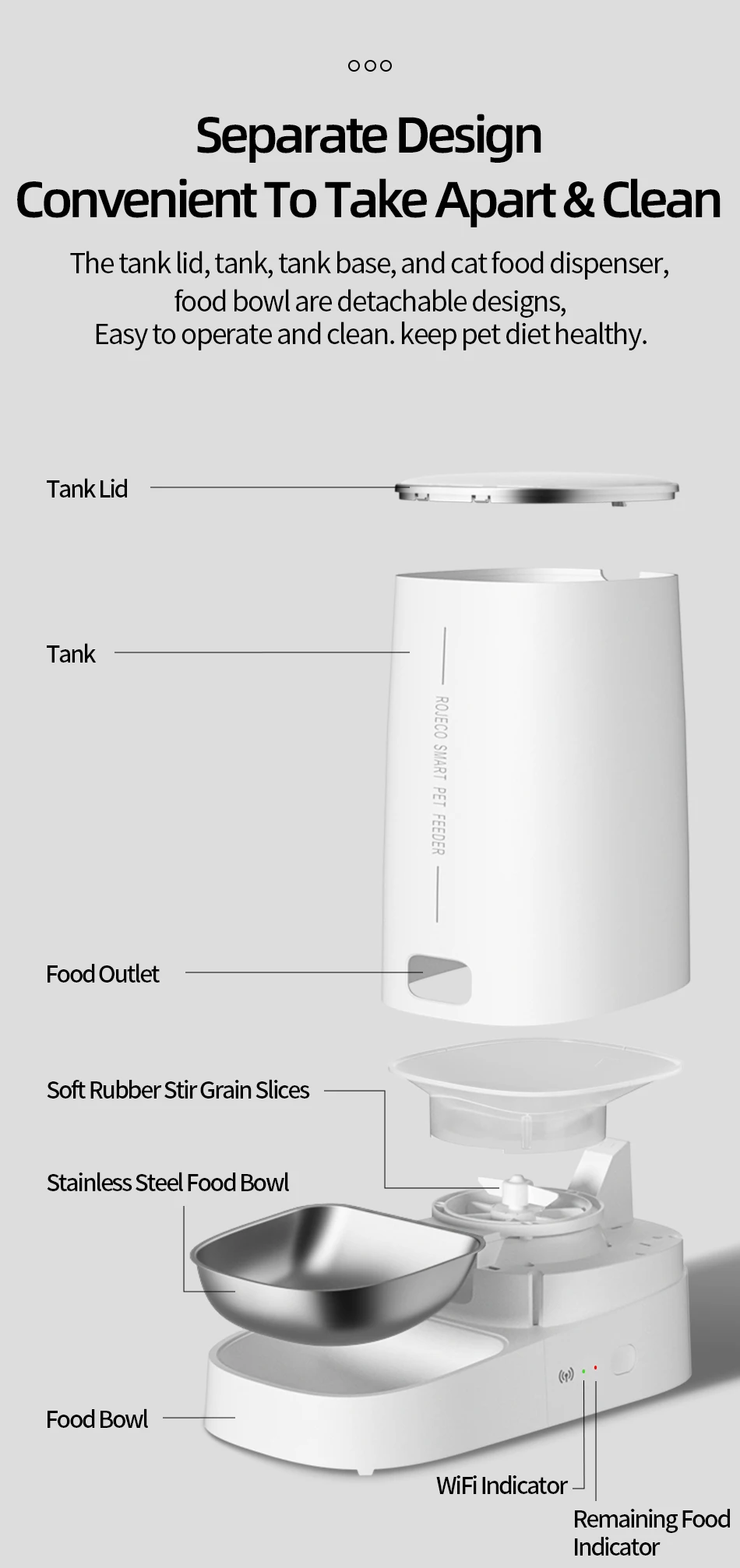
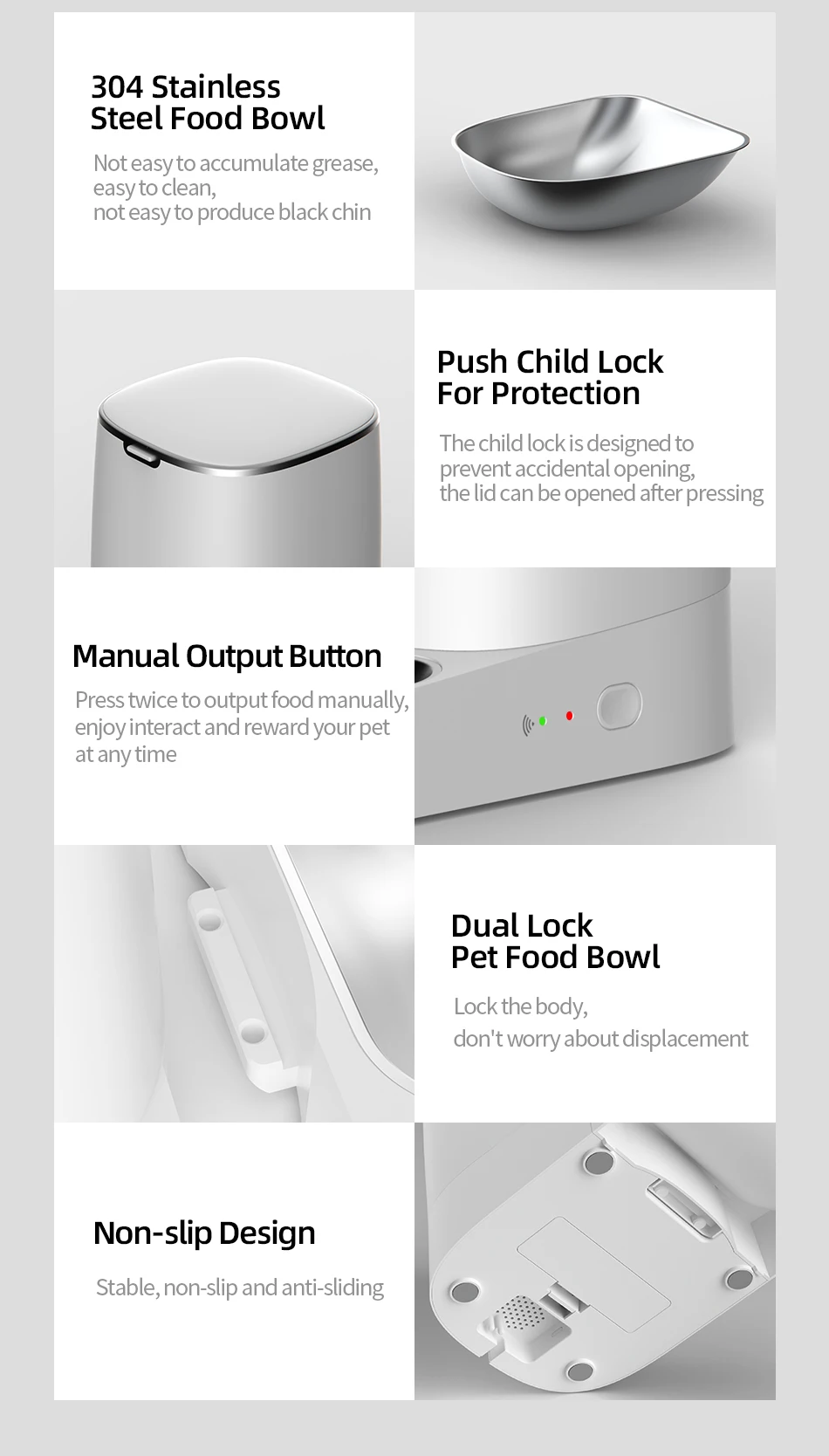
WiFi-enabled app, Easy to use, Freshness in every bite, Detachable design for easy cleaning, Dual power source (battery not included).
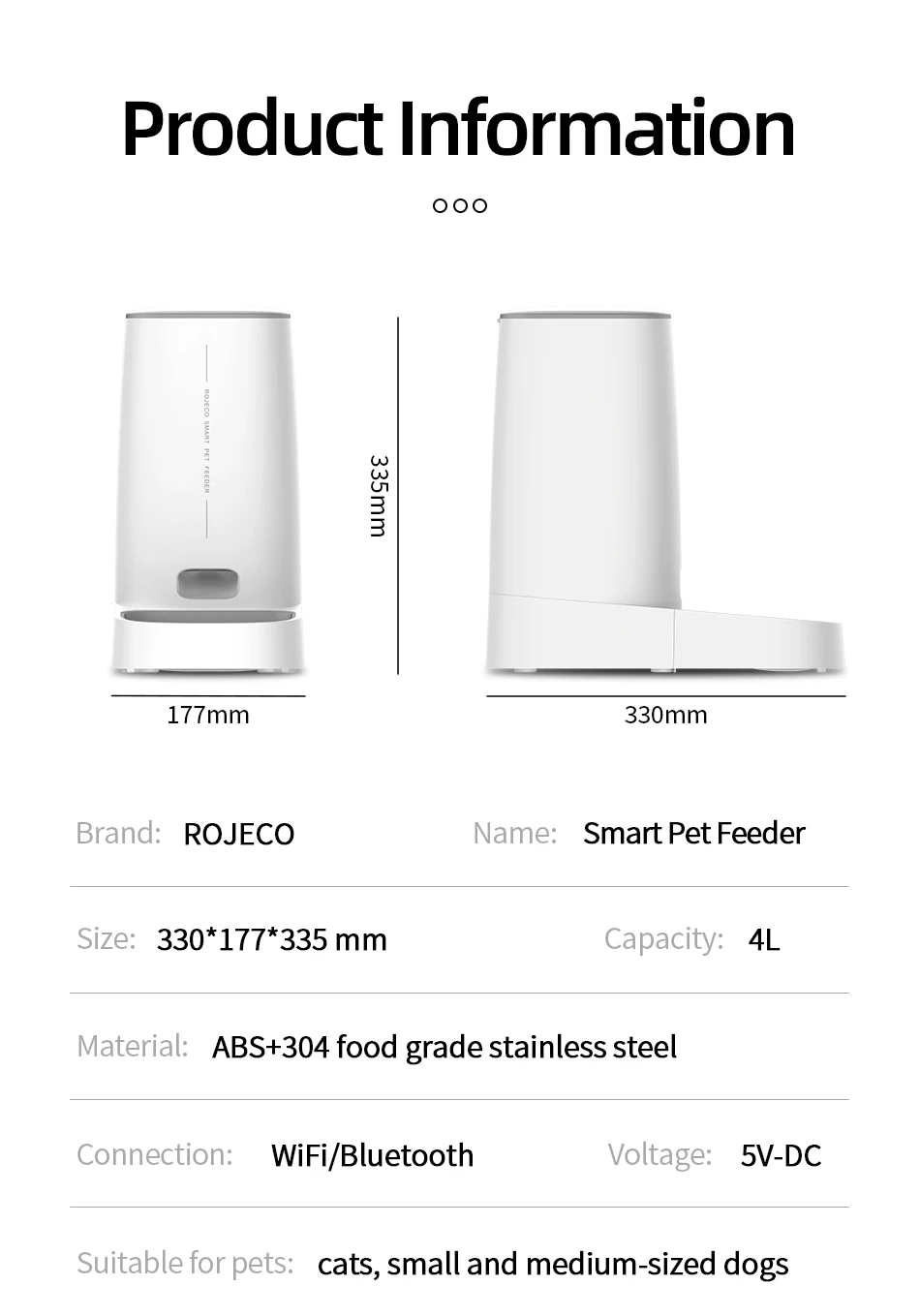
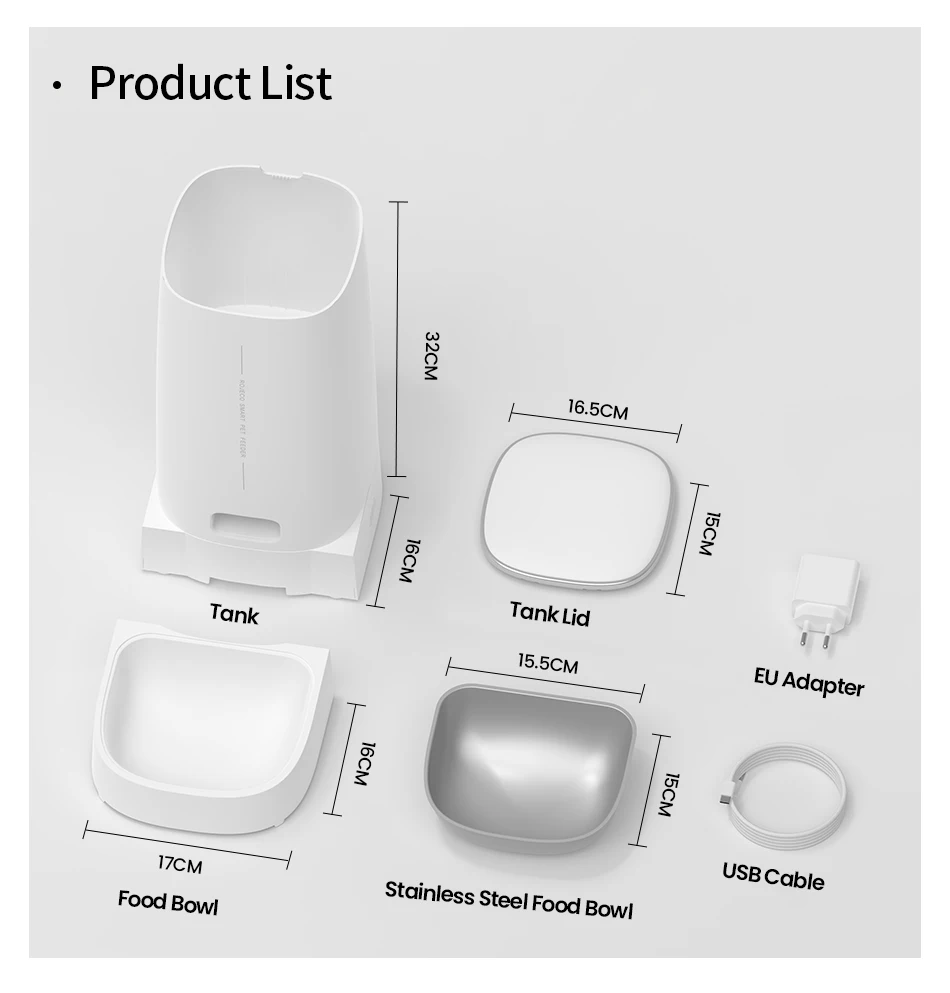
- Product Name: ROJECO Automatic Pet Feeder
- Model: PTM-001 (Wi-Fi)
- Color: White Size: 18.2*18.2*35 mm
- Capacity: 4 L
- Material: ABS/SUS 304/PC
- Input Parameters: 5V DC/1A
- Connection Mode: Wi-Fi Version Battery
- Requirement: 4 AA Batteries (Not Included)
Attention Please:
1,It is not recommended for pets less than three months old.
2,It is recommended to use indoors, do not directly expose to sunlight and keep away from fire source
3,Please use the original power adapter to avoid the device damage or failure to work
4,It is strictly forbidden to soak in water
5,To prevent pets from falling over the feeder, it is recommended to place it in the corner or against the wall.
6,Children should use under the guidance of adults
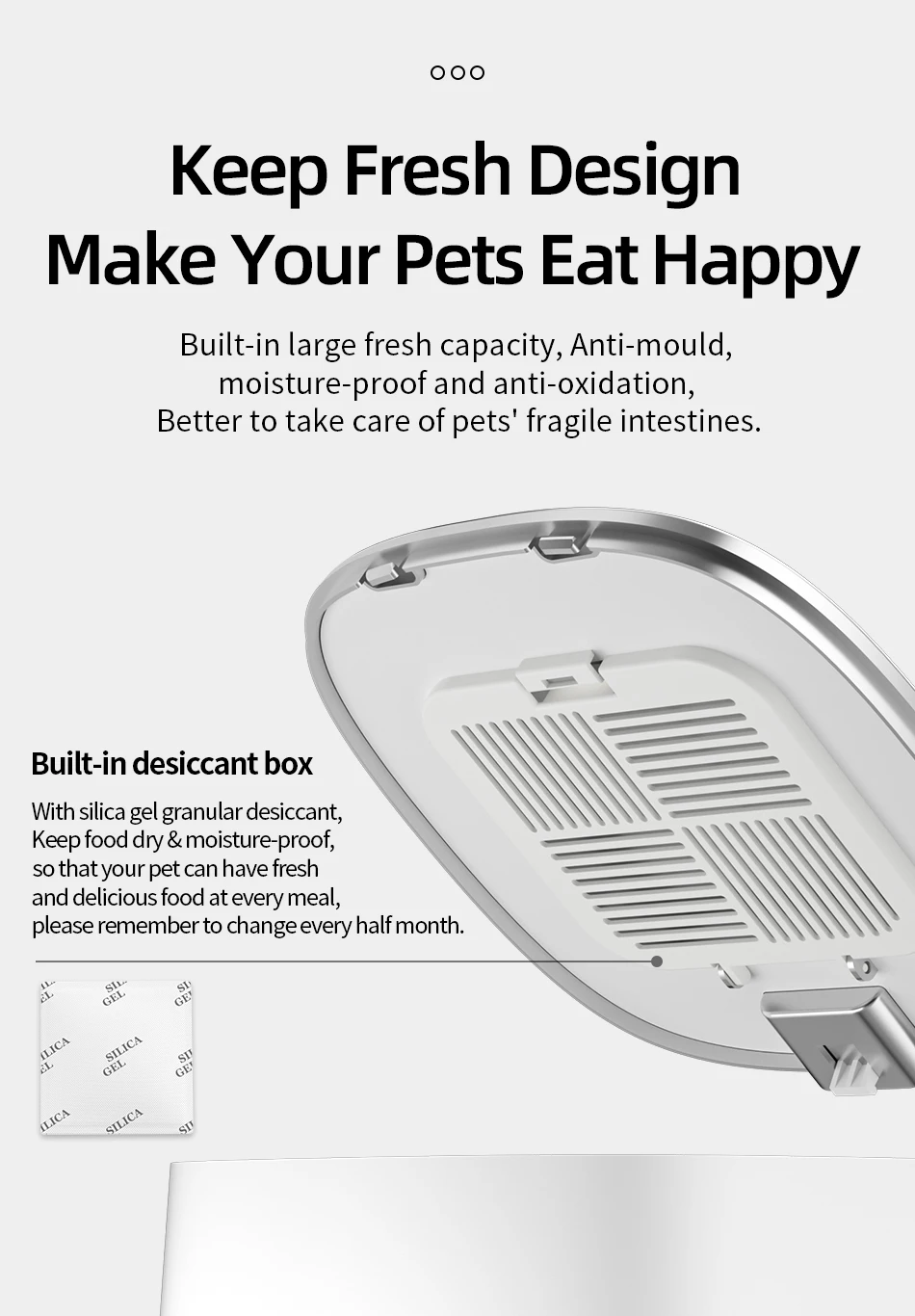
7,Do not soak the desiccant in water.if damaged,do not continue to use it.
8,If you move or stop using the product,please unplug the power cable and remove the bottom battery.
9,Except for the maintenance personnel,do not disassemble and repair the product to avoid accidental injury.
Installation Instructions:
1.Add Food
2.Press the lid button to open and add food
3.Add Desiccant
4.Take off the lid and open the desiccant box, place the desiccant then close it
5.Install the Food Bowl
6.Place the bowl on ground and main body stuck down, as the picture shows
7.Power-On: Connect charging cable to power supply and type-C charging port at the bottom of feeder
9.Add Pet dry food and put the lid(Suitable for 4-12mm (0.16-0.47in) diameter dry food)
How to Connect the APP:
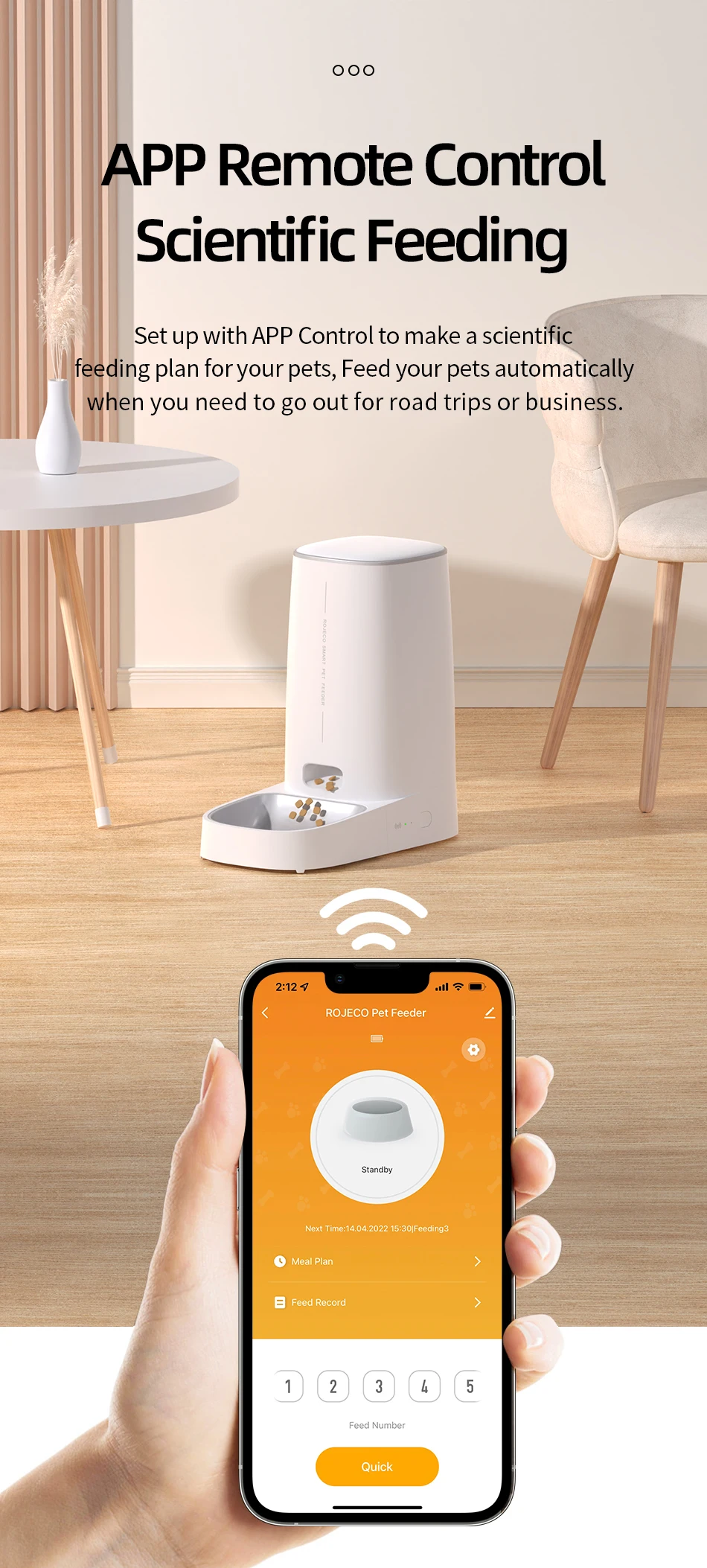
1.Download the APP "ROJECO" from APP store or Android APP Market
2.Then " +Add Device" On the the home page, please connect the device with the reminder
3.Note: Please make sure the bluetooth is turn on when connecting to the network for the first time.
4.Scan the code to download the "ROJECO" APP
How to schedule feeding plan by APP:
Set the feeding plan in the APP after connected, it could automatically fed as schedule, also can receive feeding records everytime.
How to Manual Feeding:
Double click the manual feeding button then give one portion of the food(about 5g) each time.
(It also can be controlled by APP)
How to Reset Wifi Connection:
Hold the feeding button for 5 Seconds, the wifi/bluetooth indicator flash quickly then reset succeeds.
Indicator Description:
Green light slowly flashes: Waiting for connection
Green Light stays on: Connected
Red Light slowly flashes: Lack of food
Red light quickly flashes: Feeder is stuck
Red light off: Enough food
Questions & Answers
Question1: Why network connecting is not successful?
Answer:
1.Confirm whether it is tourist mode, please register for the APP account on first using.
2. Ensure you have entered the network password correctly.
3. Use a 2.4 GHz WiFi network; this product is not compatible with 5 GHz WiFi.
4. Check that the WiFi connection is working properly; it is recommended to maintain a maximum distance of 20 meters to avoid connection problems.
Question 2: Why can't I find the device?
Answer: If there is no distribution network for an extended period after startup, you can find the device once the network is restored. Please press and hold the power button for 6 seconds and then add the device to the search function.
Question 3: Why isn't food being dispensed?
Answer:
1. Check if there is enough food remaining.
2. Ensure the pet food is dry; this product only supports dry food.
3. This product can be used with no more than 20% freeze-dried food, and the food particles must be smaller than 12 mm.
4. Please confirm that the feeding channel is full, as this will reduce the number of feedings.
5. If the feeder is jammed, clean it and continue using it after ensuring the problem is resolved.
Question 4: Why doesn't it work after plugging it in?Answer:
1. Check if the plug is properly connected to the power source.
2. Check if the machine connects smoothly via the Type-C charging port.
3. Check if the power indicator is lit normally.